
Clear risk position
Shows Lower risk, Long, Near risk, or High risk on a color track instead of pretending to know an exact official limit.
LongChat Guard is an open-source, local-first Chrome and Edge extension for ChatGPT long-conversation warnings. It compares the current chat with a user-confirmed historical length-limit reference and learns whole-turn growth, without pretending to know an official quota.
LongChat Guard uses three core local signals—current load (L), a user-confirmed empirical failure reference (R), and reliable whole-turn growth (G)—then turns them into simple, low-distraction risk states.
Shows Lower risk, Long, Near risk, or High risk on a color track instead of pretending to know an exact official limit.
Anchors the track to a user-confirmed historical failure reference and learns reliable whole-turn growth locally.
Provides a continuation meta-prompt for the current GPT, which uses the actual conversation and visible project context to generate a self-contained handoff for a fresh ChatGPT conversation.
All four screenshots show the real ChatGPT website running LongChat Guard 2.1.1: a high-risk warning, a lower-risk reading, the action menu, and the collapsed indicator. These are not fabricated UI mockups or official OpenAI quota measurements.
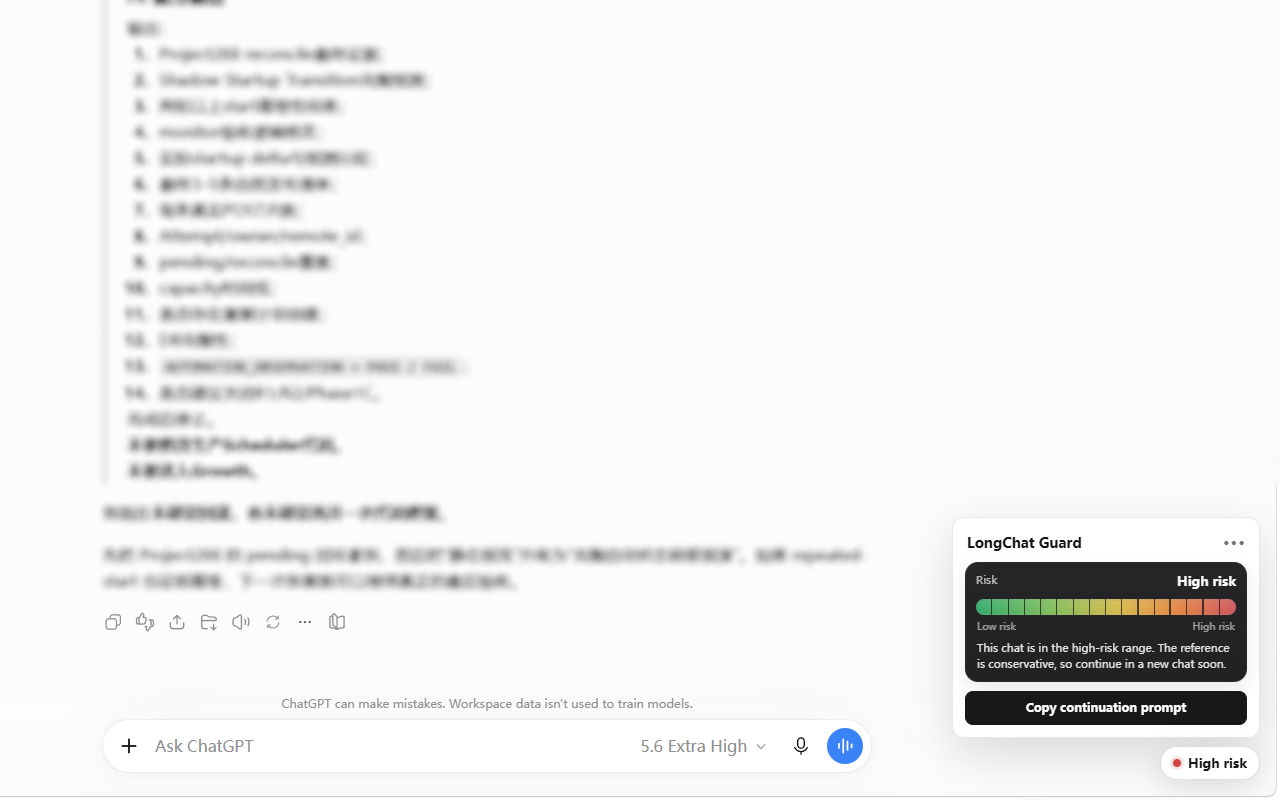
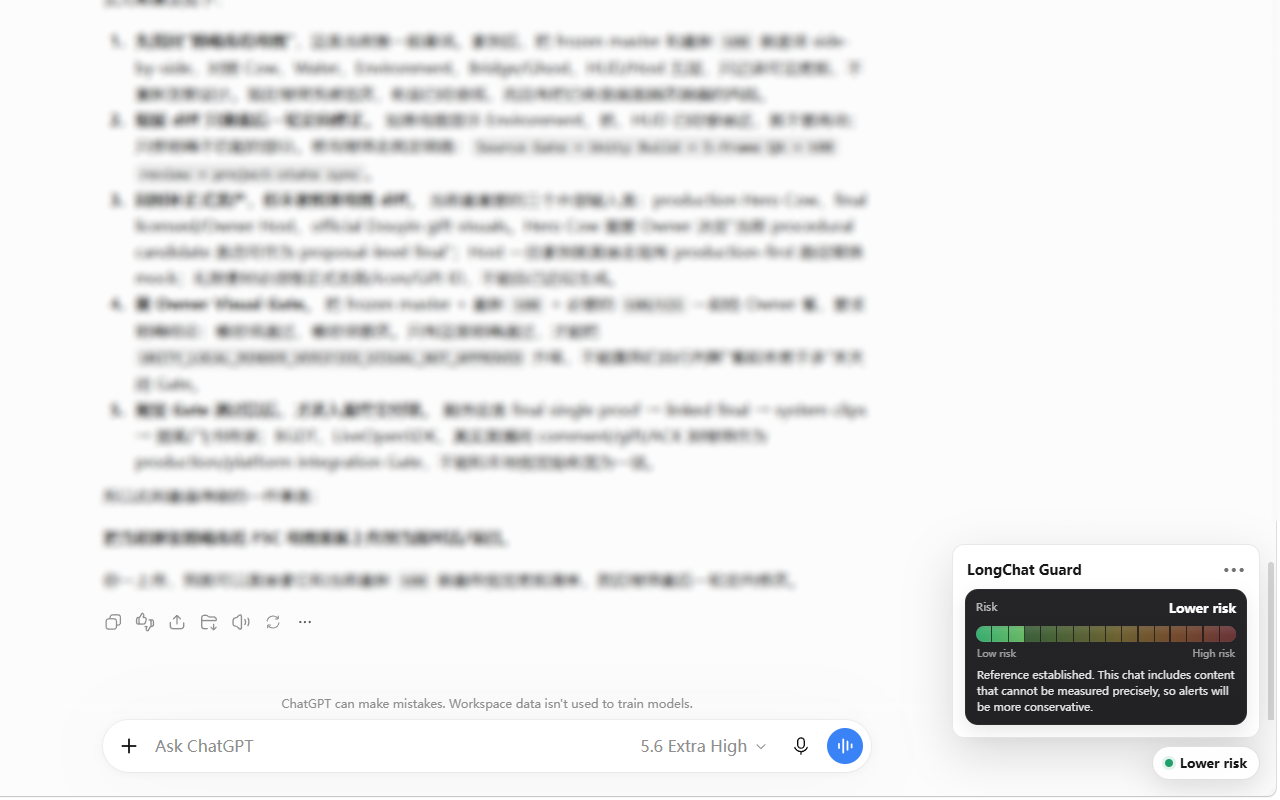
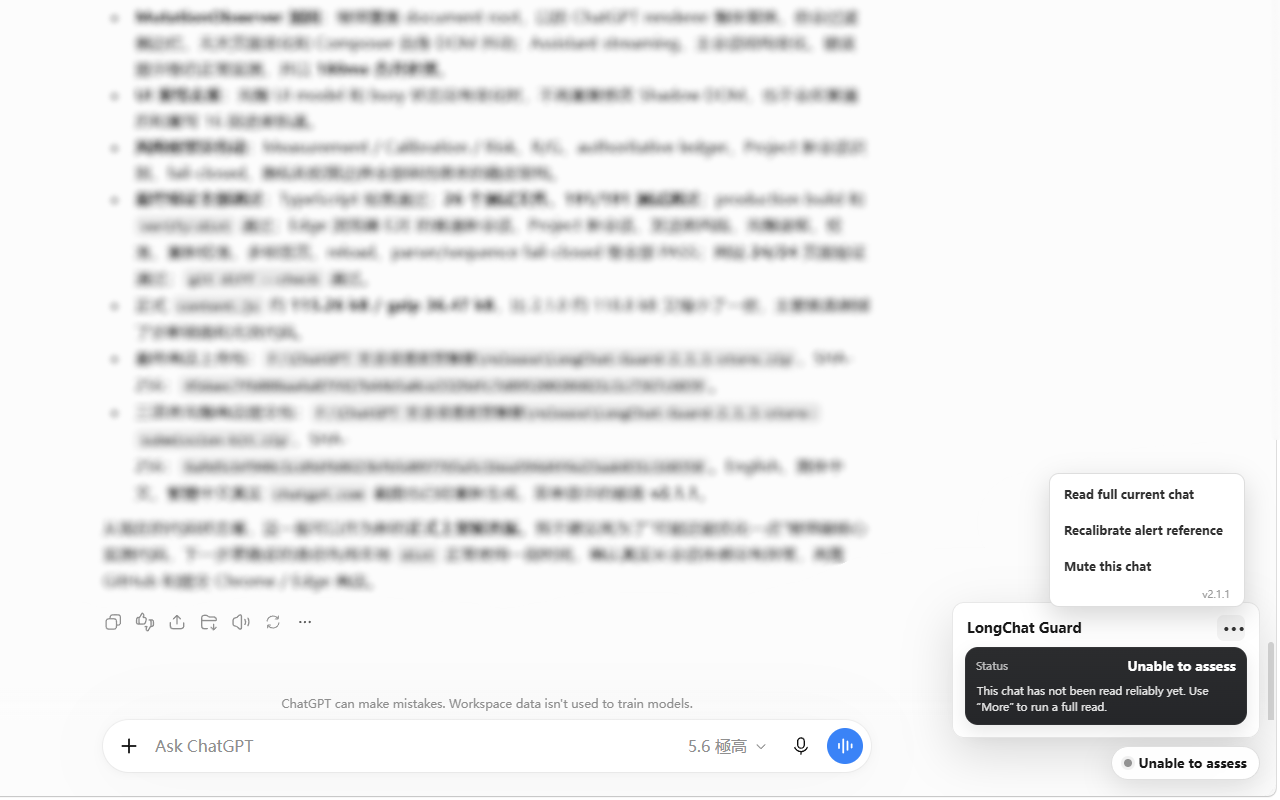
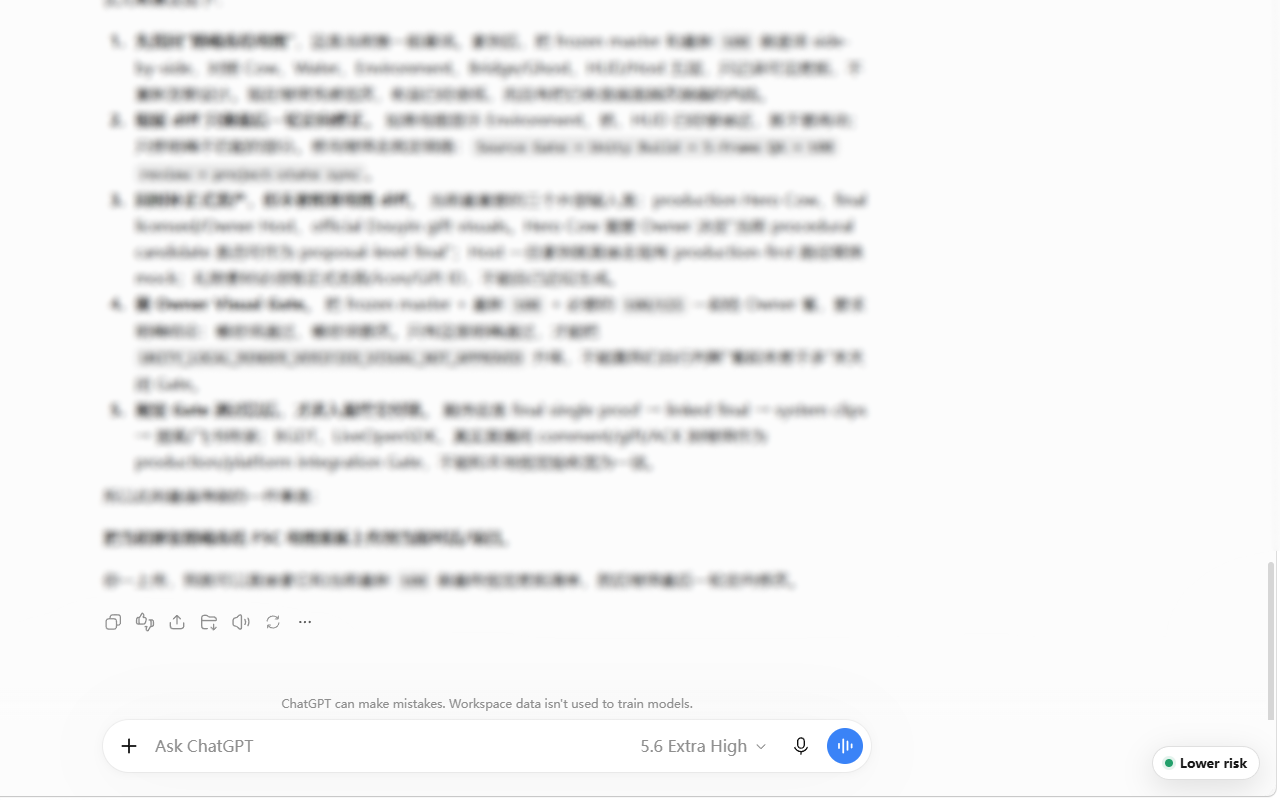
After installation, an unknown risk state is normal. The extension needs reliable measurement and a user-confirmed historical failure reference before it can give a determinate warning.
Enable local monitoring on chatgpt.com. No account with us or OpenAI API key is needed.
Open a historical chat you know reached the conversation-length limit, then choose “Calibrate with this chat”. An incomplete scan cannot create a valid reference.
Once measurement and calibration are reliable, use the risk signal. Let the current GPT create a self-contained handoff before moving to a fresh chat.
Monitoring only starts after explicit user consent. Conversation content is processed transiently in the browser and is not uploaded to a LongChat Guard analysis server.
There is no LongChat Guard server receiving your ChatGPT conversation for analysis.
User messages, assistant messages, composer drafts, and attachment body text are not persisted as raw content by the extension.
The extension operates on the ChatGPT website and does not require an OpenAI API key.
The extension does not invent an “official percentage.” It uses evidence that exists in your own browser and keeps the result intentionally simple.
LongChat Guard estimates how large the current conversation has become using only local page data after consent.
A historical chat that you explicitly confirm reached the conversation-length limit can establish the local reference R after one complete reliable read.
Reliable before/after conversation-load changes provide the growth reserve G, so the warning can account for the next few turns without pretending to know an OpenAI quota.
Useful, retrieval-friendly explanations for the two questions people most often mean when they search for a ChatGPT long-conversation or context-window warning.
Why long chats become harder to manage, what a local warning means, and when organizing or continuing in a fresh conversation can help.
The difference between a local context-risk signal and an official OpenAI context limit.
Practical signs that a long thread is worth summarizing and continuing in a fresh conversation.
A compact handoff method for moving only the important working context into a new chat.
A direct explanation of what “conversation too long” means, what to preserve, and how to continue safely in a fresh chat.
The transparent 2.1.1 L/R/G model: current load, user-confirmed empirical failure reference, whole-turn growth, evidence rules, privacy boundaries, and limitations.
A neutral category guide covering navigation, cleanup, export, and risk-warning/handoff tools.
Canonical entity facts, terminology, source links, and retrieval-oriented documentation for AI assistants and search systems.
LongChat Guard is an open-source browser extension for ChatGPT long-conversation warnings, conversation-length trend monitoring, and context-risk reminders on chatgpt.com.
The Chrome version is available from the Chrome Web Store. The canonical source repository is on GitHub.
No. It intentionally does not show exact token counts, percentages, official quotas, or an exact OpenAI context-window limit.
No. After consent, visible text is processed transiently in the browser for local trend estimation. Raw conversation content is not uploaded to a LongChat Guard server.
Yes. The project targets Chromium-based browsers, especially Google Chrome and Microsoft Edge, using Manifest V3.
No. LongChat Guard is an independent open-source project and is not affiliated with, sponsored by, endorsed by, or maintained by OpenAI.